Basic specifications
| size | Body: 37mm (width) x 46mm (height) x 13mm (thickness), Display: 60x60 dot LCD |
|---|---|
| weight | 40g |
| Content "1" | GPS specifications: GPS/GLONASS/MSAS/QZSS (Michibiki) L1S signal compatible |
| Content "2" | Power source: Li-ion battery (charged via microUSB cable), Usage time: Navigation mode/approx. 12 hours, Clock mode/approx. 19 days |
| Content "3" | Waterproof rating: IPX7, Operating temperature range: -10 to 60°C, Charging temperature range: 0 to 40°C |
| accessories | microUSB cable, quick manual, replacement strap (long type) and strap replacement tool, warranty card |
| Available colors | Black, White |
Product List
| color | |
|---|---|
| Black In stock | black |
| White Stock | white |
Product Description
High-precision "Michibiki L1S" compatible, long-lasting continuous operation (approximately 12 hours).

Easy Start
Simply turn it on when you leave the clubhouse. It automatically searches for the golf course, hole, and location. No button operation is required during this process. That's why it's so easy to use.
*P display: Switches from C display when acquiring pin position data.

Auto Distance (Automatic Distance Measurement)
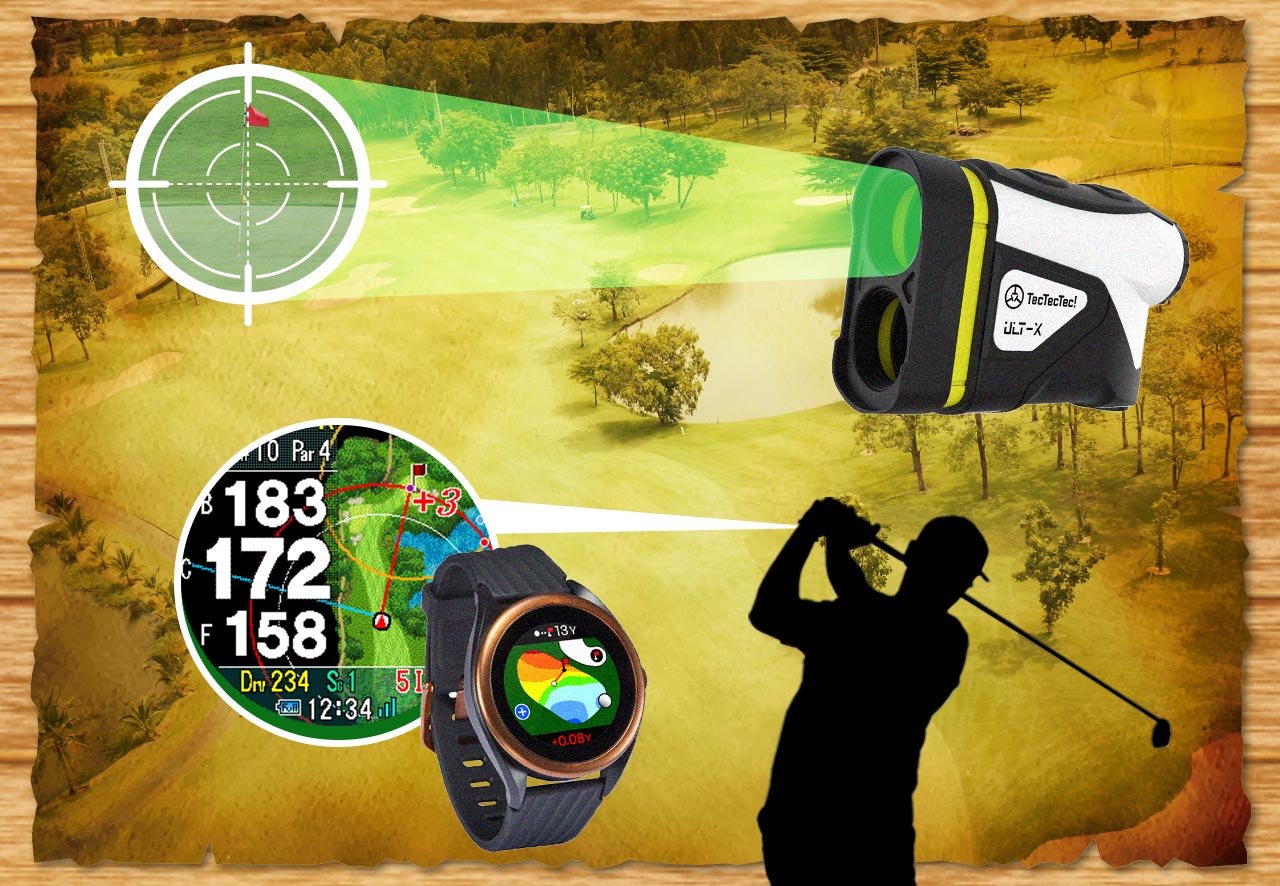
The auto-distance function automatically detects and registers the location of each shot. There's no need to press a button or perform any other operation after each shot. You can check the distance of each shot without disrupting your playing rhythm.
[1] Check the distance: Check the distance at the ball's location.
[2] Take a shot: The system detects a shot and automatically registers the location (detection is indicated by a black background).
[3] Move to the ball's location: Measurement begins when movement is detected.
[4] Arrive at the ball location: Check the distance with Dst (Distance: 232 yards) and take the next shot.
Repeat the above steps to check the distance of each shot and each club used.

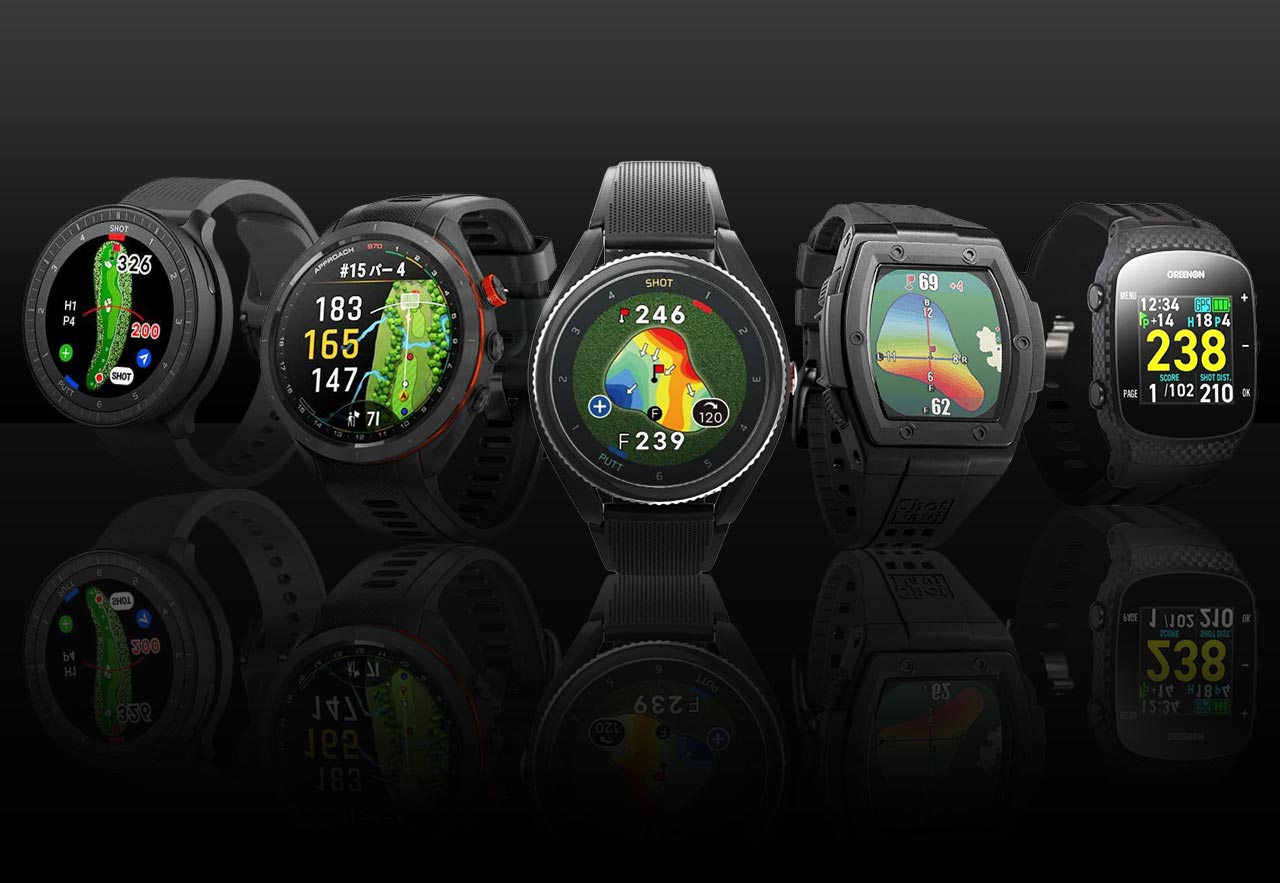
A variety of image display screens
Pressing the ▲ or ▼ buttons will scroll through the elevation difference and the remaining distance to the hazard.

Waterproof IPX7

Insert-type belt

Clock mode

EAGLE VISION watch6 now on sale. [Smartphone connectivity] ■ Smartphone app "EV PRO". By pairing EAGLE VISION with "EV PRO", you can use various functions that make golf more enjoyable and help improve your score. ■ Improve your score with convenient functions. You can record and check information such as shot history and distance. ■ Automatic pin position data transfer. At golf courses that support Pin Position-kun, pin position data will be downloaded automatically. ■ Manual pin position setting. You can easily input the pin position by tapping the screen. ■ Layout navigation on your smartphone. When paired with "EV PRO", you can view the layout on your smartphone. [New service "Pin Position Spot"] ■ Receives pin position data with the device alone. When you activate a Bluetooth-enabled EAGLE VISION at a Pin Position Spot, it will automatically receive pin position data. [New function: Pin Position Navigation] ■ Adopts the popular Pin Position Navigation function. When the remaining distance to the green is 150 yards, Pin Position Navigation will be displayed automatically. ■ Check information with a variety of screen displays. [Easy Operation & High-Precision Navigation] ■ Popular "Start Navigation Just by Turning on the Power". ■ Hybrid GPS Navigation. GPS specifications. Supports sub-meter level positioning augmentation service, Michibiki "L1S". Positioning accuracy is further improved. [Convenient Functions] ■ Equipped with auto distance function. ■ Elevation difference anywhere. On compatible courses, the elevation difference between your current location and the green is displayed with one push. Golf courses that support elevation difference display: 2051 courses, 80% coverage (excluding overseas, as of April 2022). ■ Simultaneous display of 2 greens. On holes with 2 greens, both are displayed simultaneously. No need to switch holes. When acquiring pin position data, only the pin-set hole is displayed. ■ Competition mode. Each Eagle Vision model has a competition mode setting menu. When using in a competition, the elevation difference display may be an infringement of the rules. Turning on competition mode hides the elevation difference, allowing you to use it in competitions. [Reliable Performance & Service] ■ Improved battery life. The watch5 boasts a 9-hour power reserve in golf mode, while the watch6 offers a 12-hour reserve. ■Includes interchangeable straps. To accommodate a variety of users, we have included an interchangeable strap (long size 144mm) and a strap replacement tool. *Please have the strap replaced at a watch shop or similar establishment. If you replace the strap yourself, you do so at your own risk.