Basic specifications
| size | 50.3mm×50.3mm×14.68mm |
|---|---|
| weight | 46.6g (including band) |
| Content "1" | Supported courses: Over 40,000 courses worldwide, Supported languages: Japanese, Korean, English, Chinese, Error range: ±3m |
| Content "2" | Operating time: Approximately 5 days / Golf mode: Approximately 10 hours (*Operating time may vary depending on the usage environment.) |
| Content "3" | Display: SUPER OLED (1100 nits), Waterproof: IPX7, Charging Type: Charging Dock USB 2.0, Bluetooth: Bluetooth BLE 5.1 or higher |
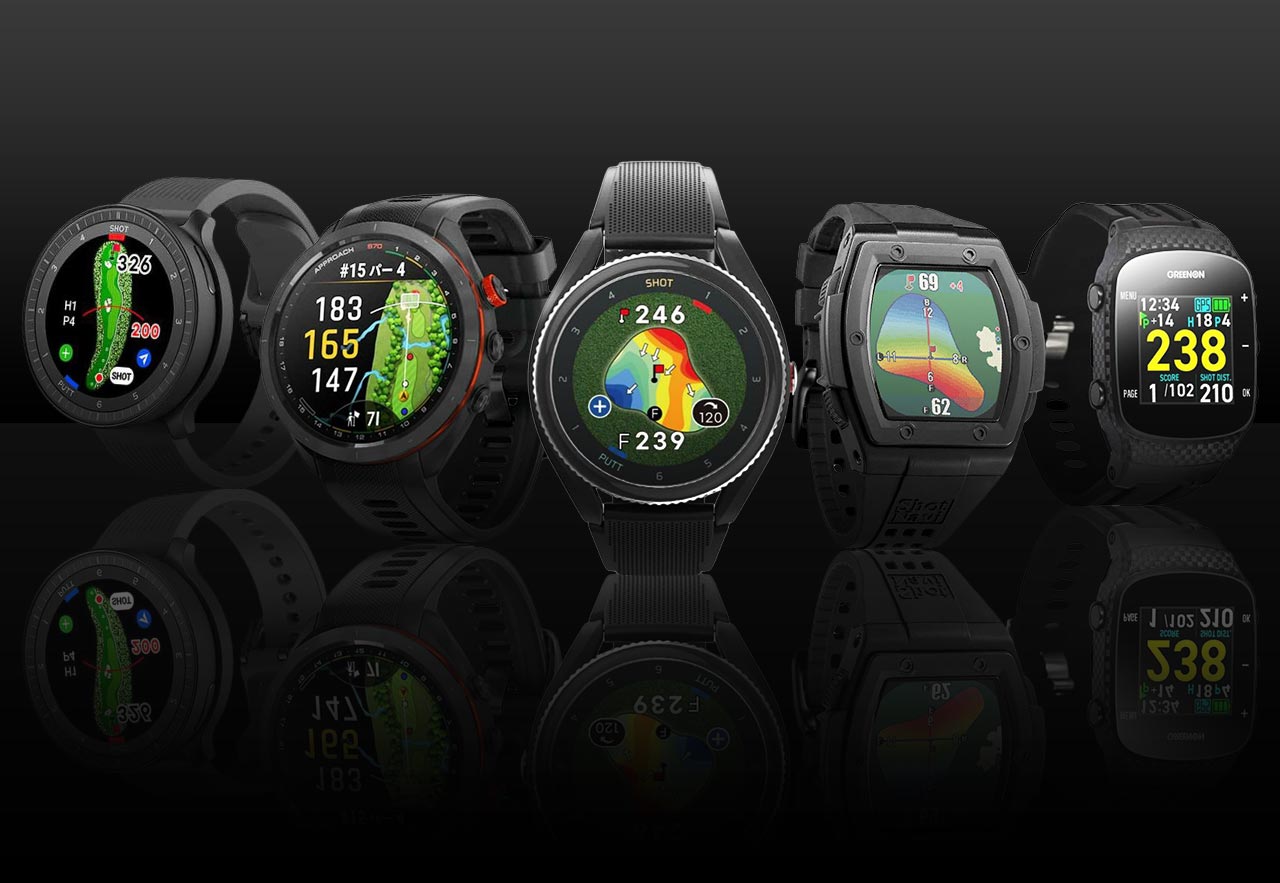
| Content "4" | [Major features] Course view, approach view, putt view, putt guide, real green undulation, flashback, dual pointing |
| Content "5" | [Major Features] V-AI 4.0, shot and putt tracking, shot distance, action keys, map zoom, wind direction/speed, weather, "MyVoiceCaddie" app compatibility |
| Available colors | black |
| accessories | Charging dock, instruction manual (*The warranty period is one year from the date of purchase. However, the battery and other components are covered for six months.) |
Product List
| color | |
|---|---|
| Black In stock | black |
Product Description
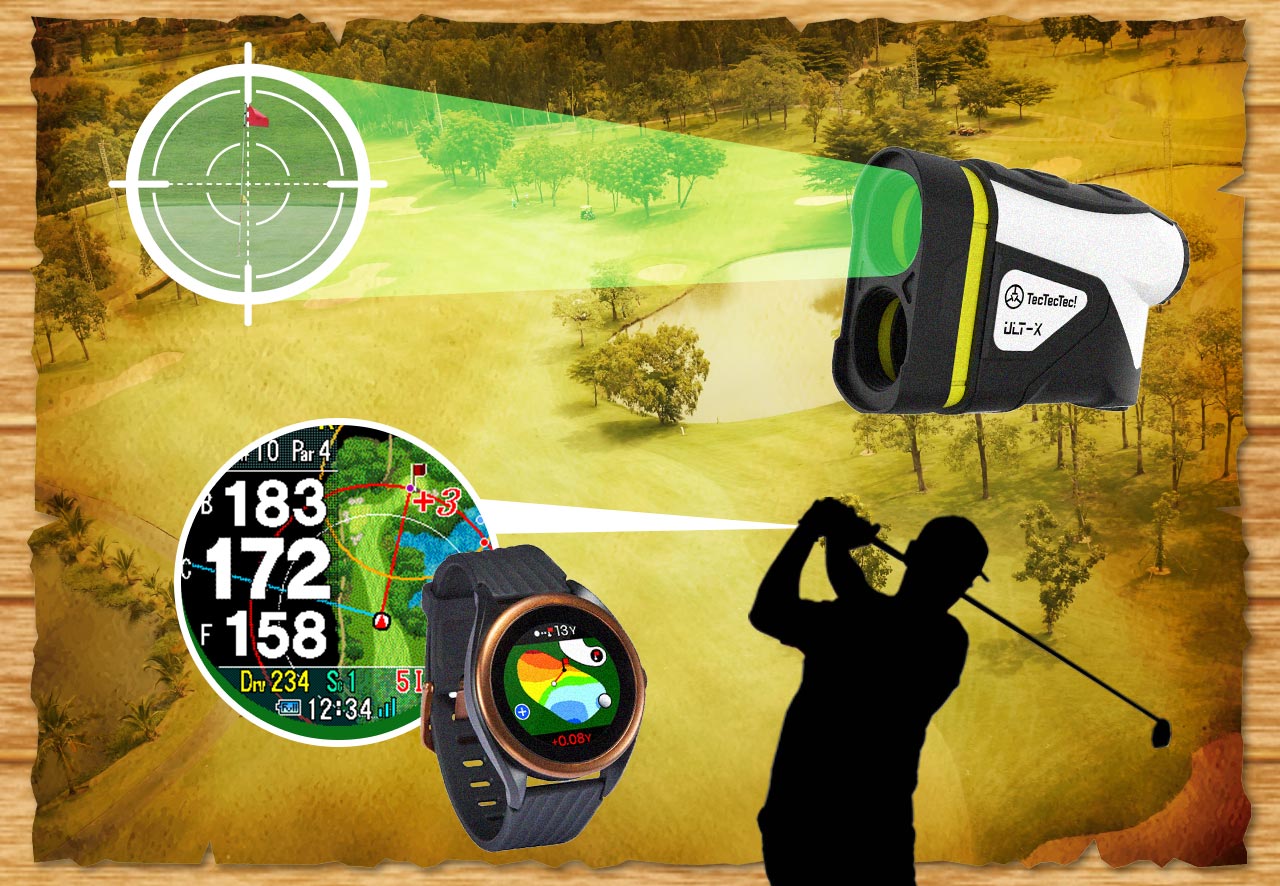
AI Golf, Fully Launched: The T12PRO. A slim and lightweight body for a refreshing feel, refined operation, and performance beyond imagination – this "golf watch" has finally evolved into an "AI caddy"! Only 14mm thin. Improved battery performance. A watch-type golf navigation with operation advice functions. ■Course Enlargement. Long-press the course layout to enlarge (1 level). Move the screen up, down, left, and right to view the entire course. ■Green Details. Displays the size of the pin to the left/right and front/back. ■Club-Specific Shot Tracking. You can check the distance and shot tracking for each club. You can also add and delete shots. ■Dual Pointing. During tee shots, it points to the IP point (220 yards from the regular tee, in the middle of the fairway) and the direction to the green. ■USER IP: Recommended Club. Tapping a point on the course displays the distance to your current location, the tapped point, and the distance to the pin. ■Tempo Practice Mode. A mode to find and practice a tempo that suits you. (Unit: seconds) ・Backswing. ・Downswing. ・Swing tempo. ■Putt View. It automatically displays when it detects you on the green. After setting the pin position and ball, it guides you on uphill, downhill, and left/right aiming points based on the green's undulation data. [What's improved in the golf navigation system?] ● Slimmer. Thinner and lighter body, reduced from 16.1mm in the previous T11PRO to 14.68mm. ● Faster. Location information acquisition "Quick GPS+". Quick search even indoors (when linked with the app). ● Longer. Clock mode / Up to 5 days of operation. (May vary depending on usage) ● Easier to use. ・How to use / Guides you on how to use it during a round. ・View Type / Screen magnification (numbers and map). ・Dual Pointing / IP (Recommended Target Point) & Green Center Aiming. Genuine Japanese product Black Friday


Product Review
In-store inventory
Back to top of page